A TV wall bracket is the hardware that holds a TV on a wall, and almost every one sold today follows a single standard called VESA. Once you understand the VESA standard, and a few of the different VESA options, you can easily match nearly any TV to the right bracket for your needs.
What Is a TV Wall Bracket?
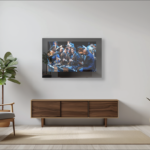
A TV wall bracket, also called a wall mount, has two parts. One part bolts to the wall, ideally into studs. The other attaches to the back of the TV. Connecting those two parts to each other is how a TV typically hangs on a wall. Some brackets hold the TV flat to the wall, and others let it tilt, swivel or move out from the wall.
What VESA Means
VESA stands for Video Electronics Standards Association, the group that publishes the standard for the pattern of mounting holes on the back of a TV. The VESA pattern is measured in millimeters. A TV with brakes holes spaced 100 mm apart both ways is a 100×100 TV. One with holes 400 mm across and 400 mm down is a 400×400 TV.
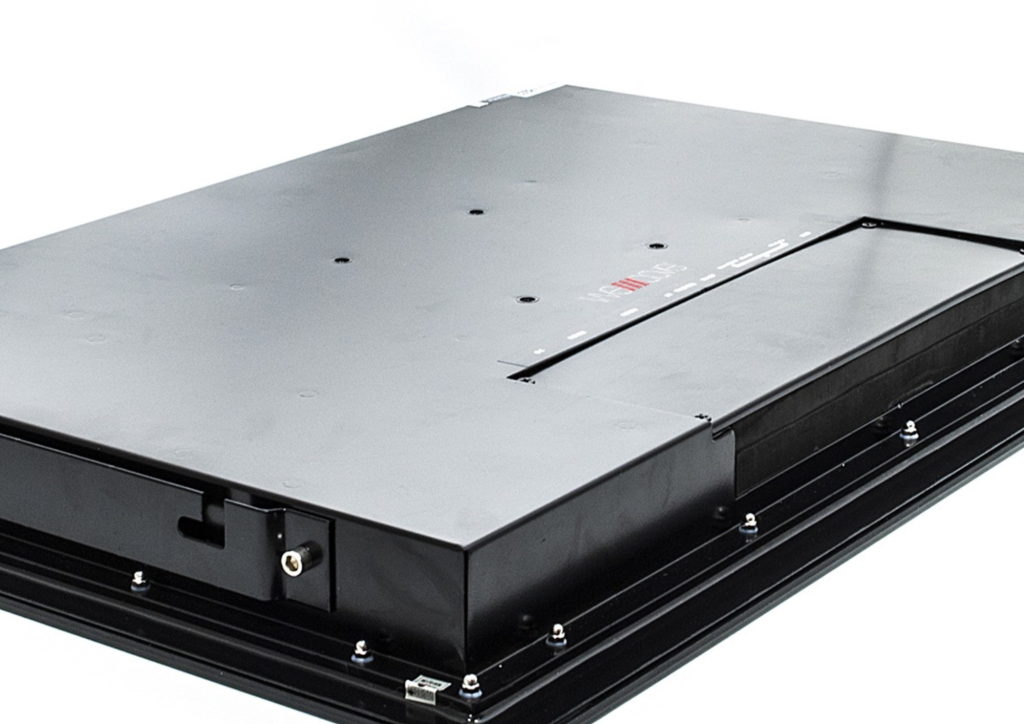
Common patterns include 100×100, 200×200, 300×300, 400×400 and 600×400. Smaller TVs tend to have smaller patterns and larger TVs larger ones, but there’s no fixed rule. Our line shows the range: our 24″ TVs use 100×100, and the patterns grow from there up to 400×400 on the 75″. The only way to know the correct VESA size for any TV is to check its specifications or to measure the holes yourself.
Some TVs support more than one VESA size. Our 32″ TV supports either 400×400 or 100×100, and our 75″ supports either 200×200 or 400×400. That widens your choice of brackets, since a bracket for either size will fit. Brackets list the sizes they support, often as a range, such as 100×100 up to 400×400. And because VESA is a universal standard, a bracket doesn’t need to come from the same company as the TV.
Weight and Size Ratings
The VESA pattern only tells you whether the bracket will bolt to the TV. It doesn’t tell you whether the bracket can handle its weight. Every bracket has a maximum weight rating and usually a range of screen sizes it’s designed for. Check the TV’s weight against the bracket’s rating, not just its screen size.
Our televisions tend to run heavier than most TVs because they’re built from steel and glass, which is what makes them water and heat resistant. Our 24″ TV weighs 31.7 lb, our 55″ weighs 113.5 lb, and our 75″ weighs 222.7 lb. A bracket sold for “up to 75 inches” may not be rated for that weight, so look at the pounds, not the inches. When in doubt, choose a bracket rated well above the TV’s weight, even if it costs a little more.
| Model | Screen size | VESA pattern | Weight |
| AVS240SM | 24″ | 100 x 100 mm | 31.7 lb |
| AVS320SM | 32″ | 400 x 400 mm or 100 x 100 mm | 50.7 lb |
| AVS430SM | 43″ | 200 x 200 mm x 2 | 79.4 lb |
| AVS550SM | 55″ | 200 x 200 mm x 2 | 113.5 lb |
| AVS750SM | 75″ | 200 x 200 mm or 400 x 400 mm x 2 | 222.7 lb |
Types of TV Brackets and Mounts
Every type of TV bracket and mount below attaches to the TV through the same VESA hole pattern, so matching a bracket to a TV works the same way for each. Our TVs work with all of them.
- Fixed. This is what most people picture when they think of a wall-mounting bracket. It holds the TV flat and close to the wall. It’s the simplest and least expensive option, but you can’t adjust the angle.
- Tilting. Lets you angle the TV down, which helps when it hangs higher than eye level. It’s a common choice for a TV above the fireplace.
- Full-motion (articulating). An arm that extends from the wall and swivels, so the TV can turn toward different viewing areas. Arms put more leverage on the wall, so a heavy TV needs a heavy-duty arm.
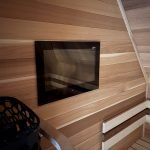
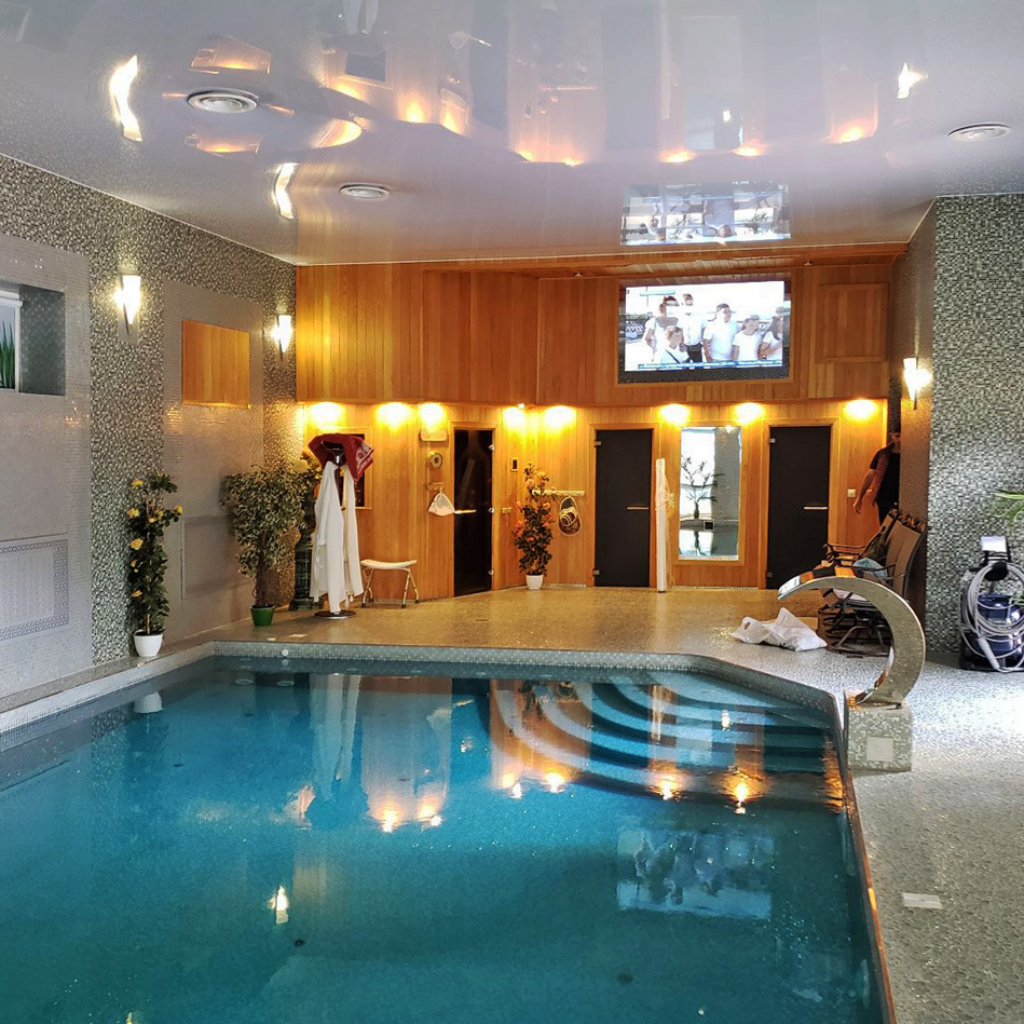
- Ceiling mounts. Hang the TV from a pole or bracket attached to the ceiling, for rooms where a wall isn’t an option, such as a gym or a sauna with a glass wall.
- Motorized and pull-down mounts. Move the TV with a remote or button, lowering it from a cabinet or raising it out of sight. These are the most expensive and have strict weight limits. A heavy TV, like our 75″ models, might need more support than some motorized mounts can provide. So check carefully.
Where to Buy a TV Wall Bracket
Basic brackets are easy to find at hardware stores and online, including on Amazon. For smaller TVs, they’re relatively inexpensive, at least until you start thinking about weight requirements. Heavier ratings, full-motion arms and motorized mounts cost more, and you’d probably benefit from a conversation with an expert before making a purchase.
For a heavy TV, don’t buy the cheapest bracket. Choose one rated for well above the TV’s weight, even if it costs more.
Installing a TV Wall Bracket
Install the wall plate into studs whenever you can, or use anchors rated for the weight if you can’t. Use the hardware that comes with the bracket, level the plate before tightening, and get a second person to help lift the TV into place. With one of our larger TVs, plan on at least two people. Our 75″ weighs 222.7 lb, so for that one, professional installers and heavy-duty hardware are the safer choice. Brick, stone and concrete need different anchors than drywall. Make sure you plan properly for what’s behind the wall.
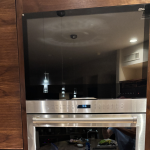
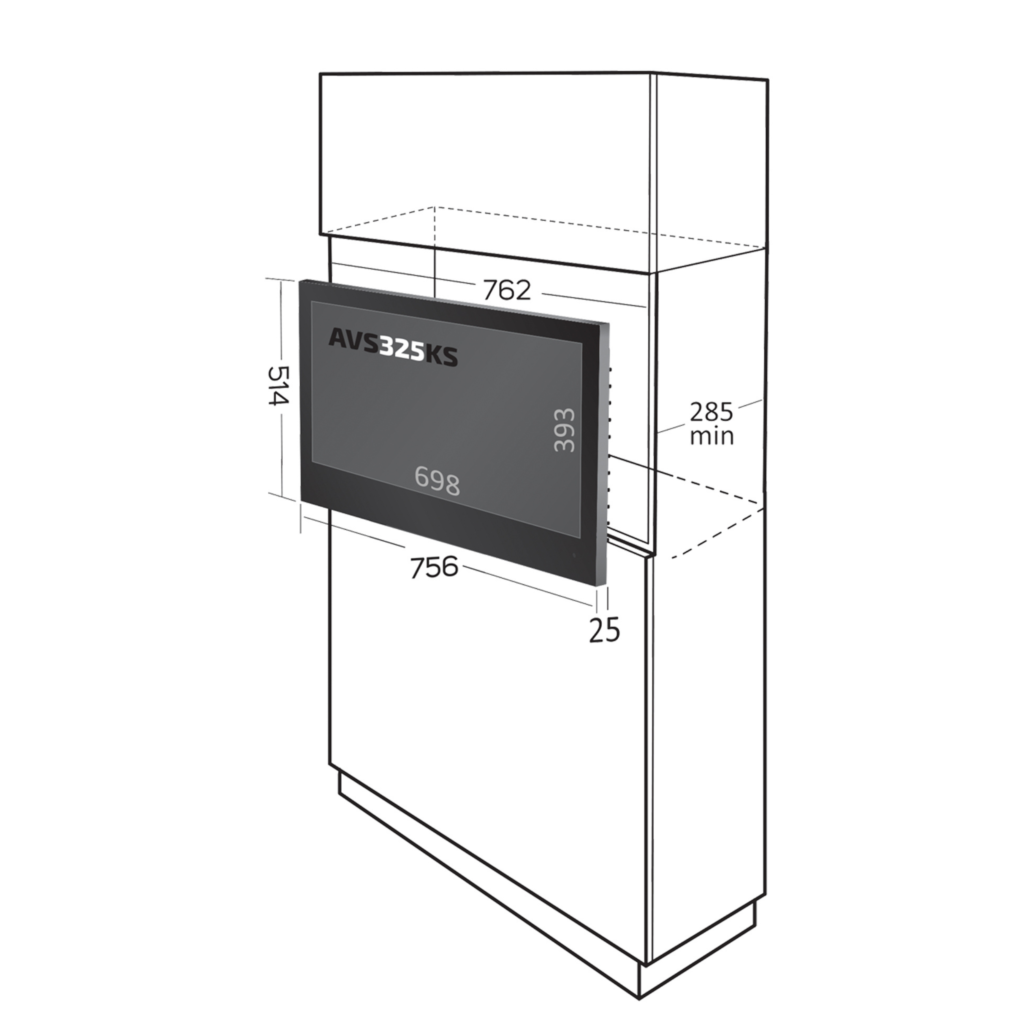
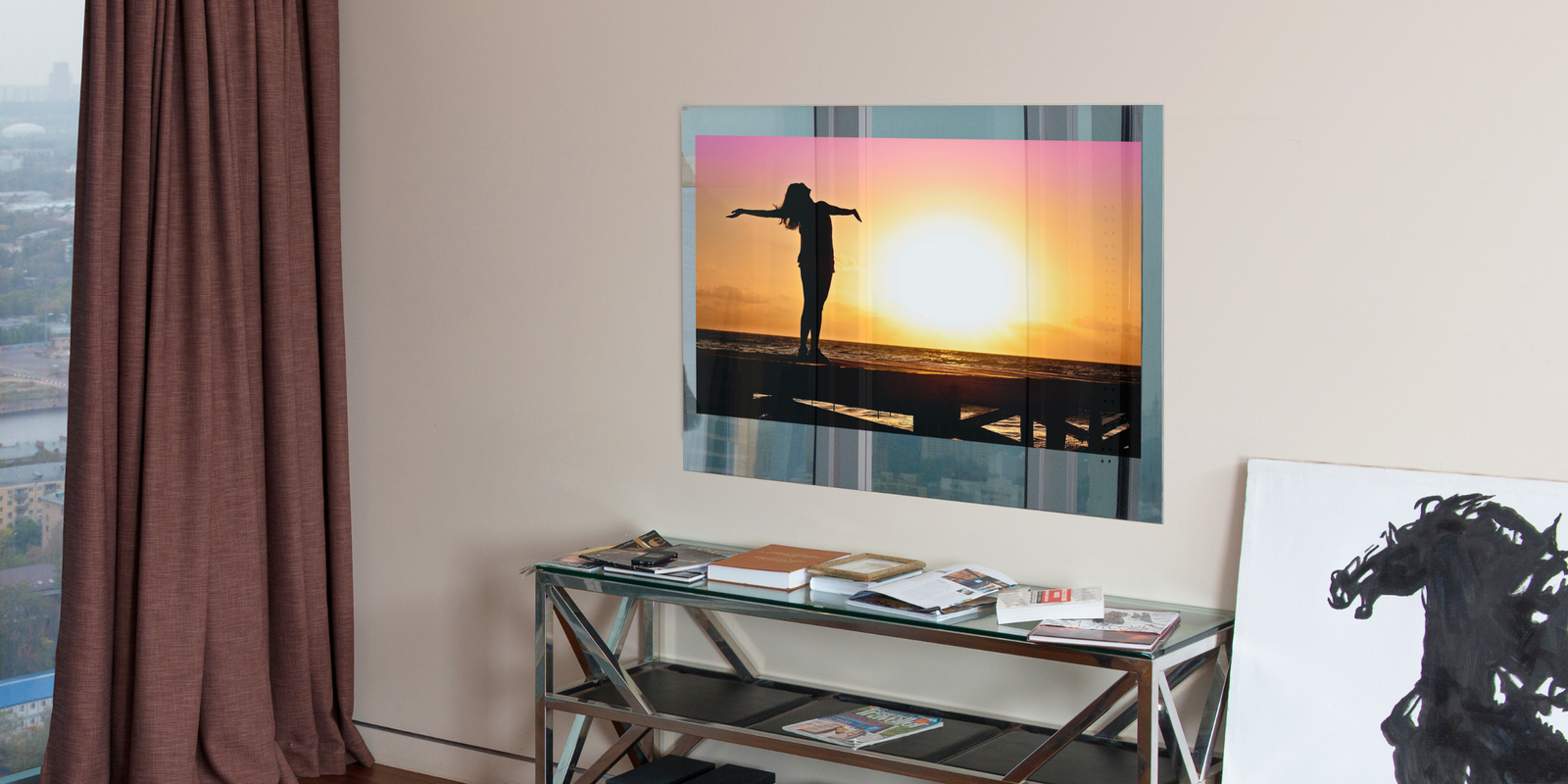
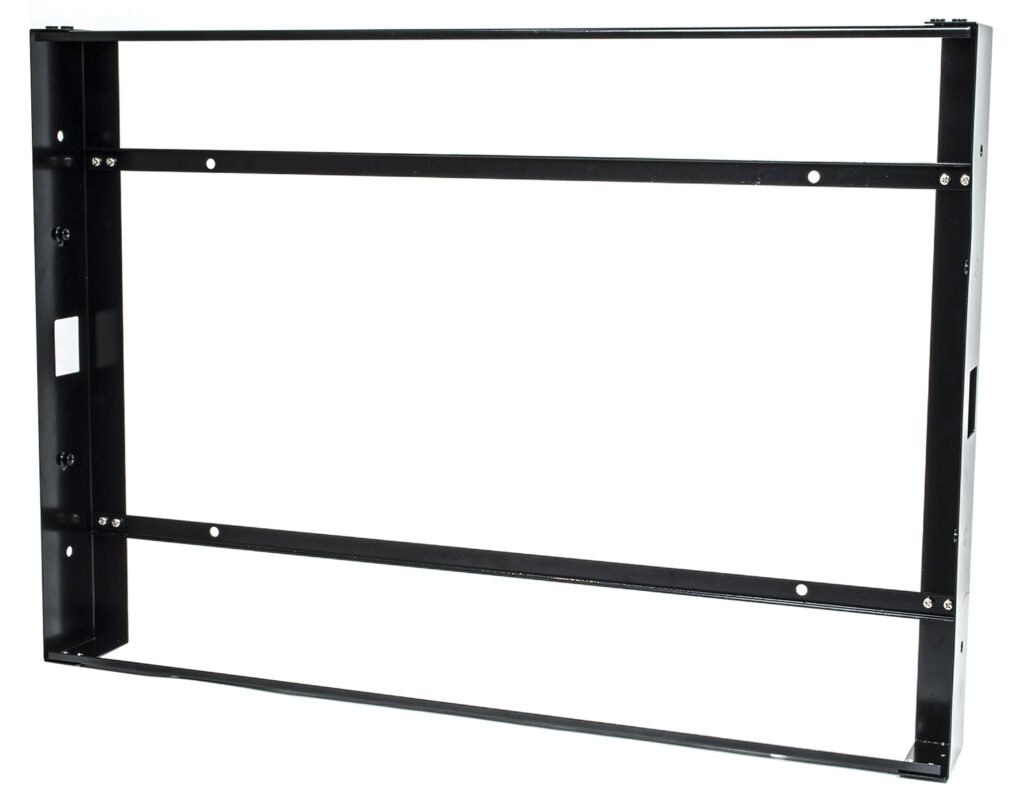
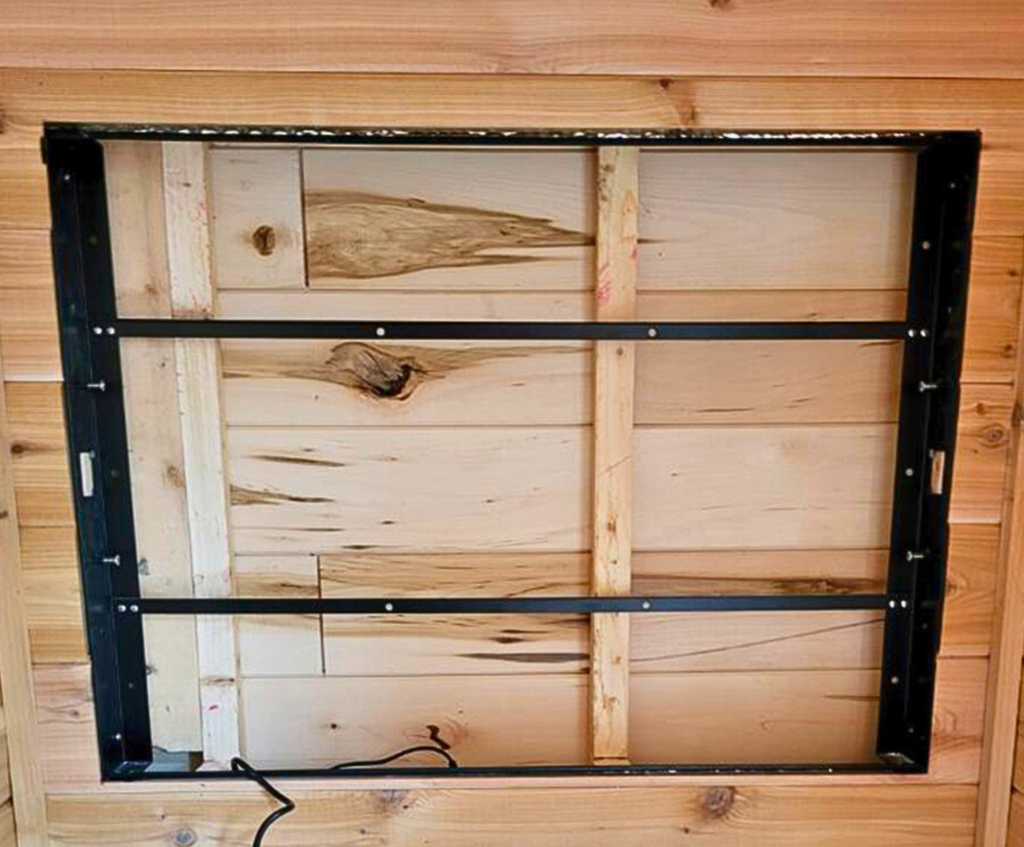
If you’d rather not have a TV mounted on the wall, a recessed install is the alternative. Our in-wall TVs install flush to the wall and ship with the in-wall brackets they need. Here’s what an in-wall install involves, and here’s how to choose an in-wall TV.
Not sure which bracket is right for your TV? Give us a call or send a note and we’ll confirm the VESA pattern and weight for any of our models.
Further Reading
- VESA’s overview of its Flat Display Mounting Interface standard, from the group that publishes it
- MantelMount’s VESA guide, with how to measure your TV’s hole spacing
- How to Choose the Best Mirror TV
- Do I Need a Frame for a Mirror TV?